
satria128 Home Lobby for Casino, Slots and Sportsbook
Speed Blackjack, Twilight Princess, Aviator and Fish Hunter sit beside live casino tables, slots and our sportsbook in the satria128 home lobby, with DANA, OVO, GoPay and QRIS…
Access is available only where local law permits.
Casino and Slots Cards on Home
The first game row on Home is built for fast scanning: casino tables, slots and selected sportsbook markets appear as separate cards, so you can move by category…
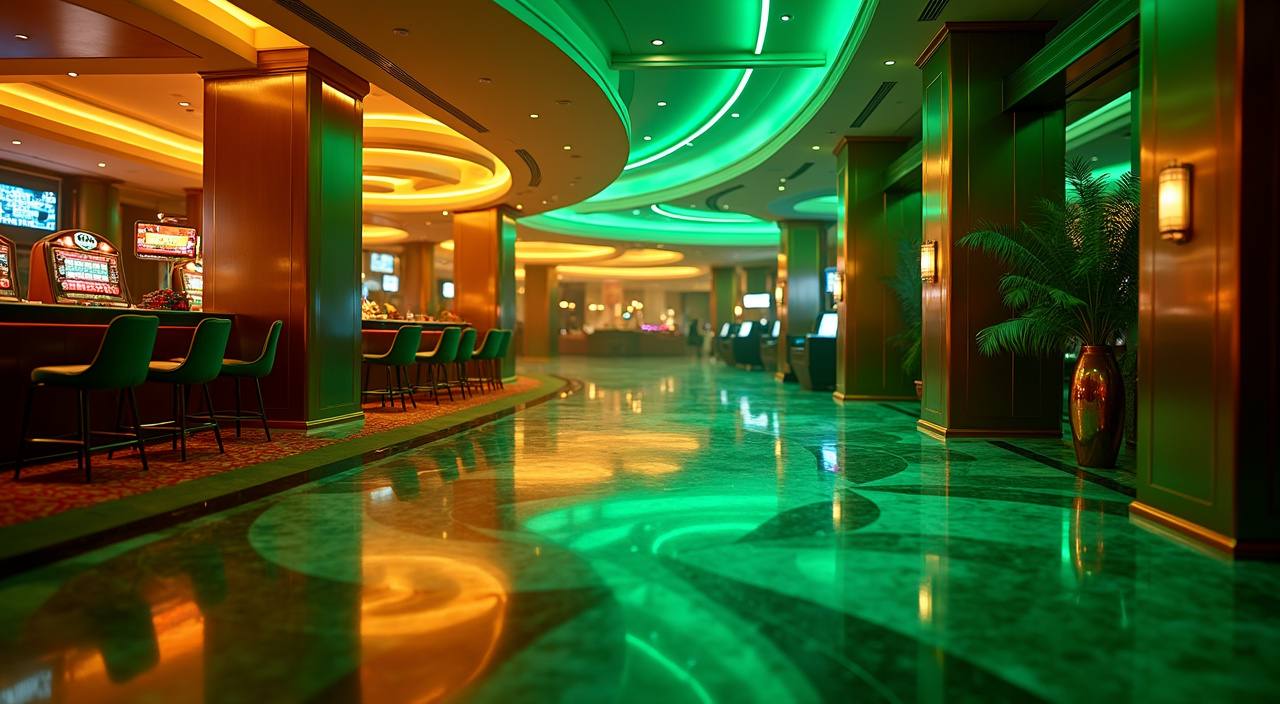










Aviator, Bingo and Live Tables Together

A clear lobby saves you time when you already know the style you want. On Home, we group quick-round titles such as Aviator near social rooms like Bingo, while live casino tables stay in their own path for camera-based games. Slots sit in a separate area so feature-heavy titles do not crowd the table view. That layout matters on a
phone: you can check a slot room during a short break, then return later to Speed Blackjack or Dragon Tiger without losing the category trail.
Home Facts Before You Join

Opening Your Account From Home
Your account starts from the Home header, not a hidden form. Tap the account button, enter your active phone number, create a password, then confirm the wallet name you plan to use for deposits and withdrawals. We ask for these steps early because DANA, OVO, GoPay and QRIS transfers need matching details when you request a withdrawal later. After the
form is accepted, we show the full lobby, the cashier path and the account menu in one signed-in view.
Fresh Casino and Slots Rows
Mobile Home Access Without Installing Apps
Phone access should not force you through extra installs. Our Home page runs in common mobile browsers, with the login panel, cashier button and game rows arranged for portrait screens. When the connection changes, the lobby trims image weight first so the account menu stays reachable. Live casino streams still need a stable signal, so we place those rooms behind
a clear category tap rather than loading video previews on the first screen. On a computer, the same account opens with wider rows.
How We Run This Home
A Home page should show how the operation works before asking you to commit. We make the payment options visible, keep account access tied to your phone and password, and route support…
Payment Clarity
The cashier path displays DANA, OVO, GoPay and QRIS with the transfer amount before you leave the account area, reducing wrong-rail deposits.
Verification Steps
We compare withdrawal details with your account profile and recent wallet activity before processing, then ask for confirmation if the destination looks inconsistent.
Regional Access
Access and eligibility depend on local law and are available only where local law permits, so the Home page keeps this condition close to account entry.
Game Routing
Casino tables, slots and sportsbook areas are separated on Home, helping you choose the right category without mixing live video rooms with quick-round titles.

DANA, OVO, GoPay and QRIS Wallet Flow
Local wallet flow matters most after you land on Home and decide to fund the account. Choose DANA, OVO, GoPay or QRIS from the cashier, enter the amount, then follow the wallet confirmation screen from your provider. Deposits usually refresh in under a minute after the provider confirms the transfer, though network checks can take longer at busy times. For
withdrawals, we verify your account name, wallet destination and latest activity before sending the request forward.
Payment Choices Shown on Home
The Home cashier is built around the Indonesia wallet names you already recognize.
Casino and Slots for Longer Sessions
When you have more time, Home lets you move from slots into casino tables without returning to a search page.
Account Security From the First Login

Security starts on Home because that is where your account entry, wallet access and support links meet. Use a password you do not reuse elsewhere, keep your phone number active, and avoid sharing screenshots that show your full wallet detail outside our support channel. We monitor login changes, payment mismatches and repeated failed access attempts. If something looks wrong, use
live chat or WhatsApp from the Home help area so we can check your account ID before you continue.
Help Channels Built Into Home
Help should be close to the point where the issue happens. From Home, you can reach live chat for login questions, WhatsApp for payment evidence and email for longer account cases that need a written trail. Our team is available from 09:00 to 01:00 WIB. When you contact us, include your account ID, wallet rail, transaction time and the screen where the problem appeared.
Live Chat
Use live chat from 09:00 to 01:00 WIB for login help, lobby access questions and quick checks on whether a deposit has reached the account.
WhatsApp helps when you need to send a payment screenshot, confirm a wallet number or answer an account check from our support team.
Email works for cases that need a longer written record, such as repeated wallet mismatch checks or account access changes after phone loss.
Local Access and Play Control
Home is built for Indonesia access, but eligibility is not the same in every place. Access depends on local law and is available only where local law permits, so you should check your own situation before creating an account. We also give you simple session signals: visible wallet balance, account history and support access from the header. Use those tools
to keep track of deposits, withdrawals and time in the lobby instead of relying on memory after several rounds.
Questions About the satria128 Home Page
These answers focus on what you can do from Home before and after login. We cover account entry, local wallet choices, mobile behavior, game access, withdrawal checks and help hours, so you know what to expect before you open the lobby.